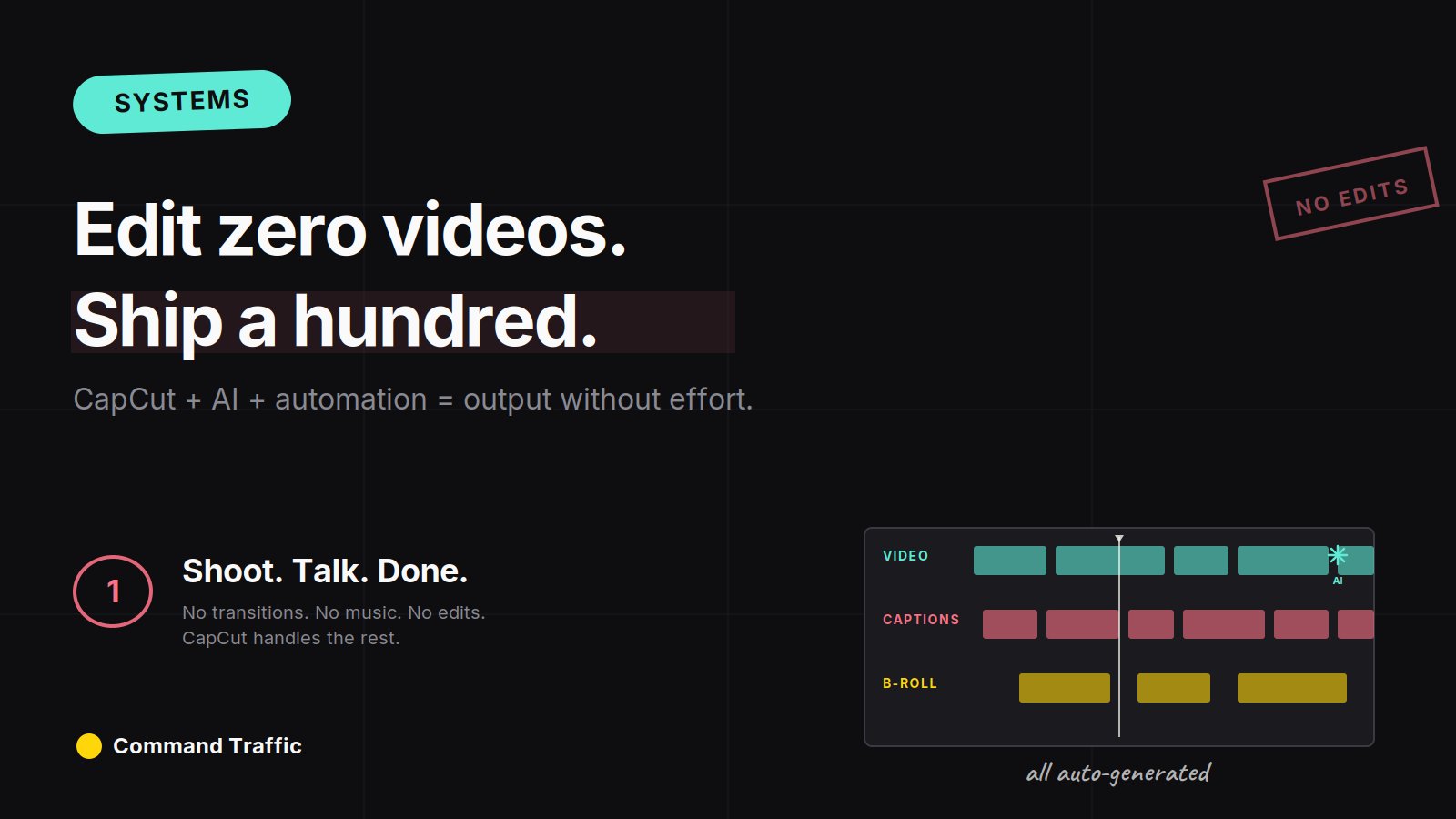
If you already have videos or b-roll sitting on your phone, you can turn them into finished, post-ready content in minutes — no editing skills, no timeline, no creative blocks.
This isn’t a content production article in the traditional sense. It’s a distribution play disguised as one. The CapCut workflow is just the unlock that gets you to the part that actually matters: posting volume across every platform that’ll have you.
Here’s the full system — how to source the footage, auto-edit at scale, distribute everywhere automatically, and offload the rest to AI.
Step 1: Build a B-Roll Library With MotionStocks
The auto-edit workflow only works as well as the footage you feed it. Garbage in, garbage out — but the inverse is also true. Load your phone with high-quality, niche-relevant b-roll and CapCut starts producing genuinely watchable content with almost no input from you.
You can pull b-roll from anywhere — old clips you’ve already filmed, free stock sites, screen recordings, whatever’s relevant to your niche. But if you want the kind of footage that performs in luxury, lifestyle, business, or motivational content, MotionStocks is the move. It’s a content bank specifically built around luxury clips, travel footage, lifestyle b-roll, and the high-production-value visuals that pull engagement on TikTok and YouTube.
Step 2: Let CapCut’s Auto Cut Do the Editing
Once your phone is loaded with footage, the actual production takes minutes.
Open the CapCut app, tap AI Lab, and select Auto Cut. The app prompts you to choose five to seven clips from your library, then handles the entire edit automatically — it cuts the footage into scenes, adds transitions, layers in music, and generates a batch of different template variations for you to choose from. You scroll through, pick the one that looks right, and download.
From there you have options. Post it exactly as CapCut produced it. Or strip the audio and lay your own voiceover over the top. Or make a few small cuts and re-export. The downloaded file includes a CapCut watermark, but it’s easy to crop out before posting.
Step 3: Distribute Everywhere With Repurpose.io
Here’s where most creators leave 80% of their potential reach on the table. They produce a great video, post it to one platform, and call it done. But the same finished video can run on TikTok, Instagram Reels, YouTube Shorts, Facebook, Pinterest, and X — and the algorithms on each of those platforms have no idea or care that the video also lives somewhere else.
Manually cross-posting is the worst tax in content. Different aspect ratios, different captions, different upload flows, different scheduling windows. By the time you’ve posted a single video to four platforms, you’ve spent more time distributing it than you spent making it.
Repurpose.io automates this entirely. Post a video on one platform, and Repurpose.io grabs it and auto-publishes it everywhere else — TikTok to Reels to Shorts to Facebook to Pinterest, automatically, with no manual touch. One post becomes seven, every time, without you ever opening the other apps.
Step 4: Automate the Surrounding Work With Viktor
The CapCut + MotionStocks + Repurpose.io stack handles production and distribution, but there’s a layer of work around the content engine that still eats time — pulling performance reports, building dashboards to track what’s working, generating campaign briefs, drafting captions and hashtag sets, and a hundred other small tasks that don’t show up on the timeline but quietly consume hours every week.
Viktor is an AI coworker that connects to 3,000+ tools and actually does this work for you. Need a weekly performance report pulled from your TikTok, YouTube, and Instagram analytics into one dashboard? Viktor builds it. Need a content brief generated from this week’s top-performing posts? Viktor writes it. Need code, campaign assets, or a research doc on a competitor? Viktor handles it.
This is the part of content operations nobody talks about — the surrounding work that scales linearly with your output unless you offload it. Pair Viktor with the production stack and the entire system runs on a fraction of the time it would normally cost.
How I Used This Stack to Sell Software Subscriptions
I loaded a batch of relevant b-roll onto my phone, used CapCut to auto-mix the footage, and started posting consistently. Sometimes I posted the videos exactly as CapCut generated them. Other times I stripped the audio and added my own voiceover. TikTok and YouTube performed the best, and motivational-style videos stood out hardest — they drove traffic to the software site, built brand awareness, and generated hundreds of sales.
The version of this play that’s running now uses the full stack — MotionStocks for the source footage, CapCut for the auto-edit, Repurpose.io for the cross-platform distribution, Viktor for the reporting and the surrounding work. What used to be a part-time job is now a fifteen-minute morning session.
The Rule Most People Miss
Here’s the part of the system that matters more than any tool.
Once production becomes this easy, originality stops being the bottleneck. Most creators still believe the win comes from making something new. It doesn’t. At this level, the win comes from distribution — from volume, from letting the algorithm work on your behalf, from being everywhere at once. CapCut isn’t making you creative. It’s making you prolific. And prolific beats creative on every platform that exists right now.
But there’s a rule. Posting a lot only works when the content matches the platform. If you already understand what styles perform, Auto Cut amplifies your results. If you don’t, it just amplifies randomness. You don’t fail because the videos look bad — you fail because you’re multiplying the wrong input.
This is the shift most people never make. Tools like this aren’t for “better editing.” They’re for faster testing of distribution. When production friction disappears, selection becomes the real skill — what clips you load, what style you pick, what platforms you push to. That’s where results come from.
So yes, use the hack. Let CapCut do the heavy lifting, MotionStocks supply the visuals, Repurpose.io handle the distribution, and Viktor take care of everything around it. But understand what you’re actually doing. You’re not creating content. You’re feeding distribution. And once you see it that way, the results stop feeling random.
The Full Content Production Stack
Four tools run the entire system:
Build the b-roll library once, set up the distribution flows once, and the whole engine runs in fifteen minutes a day from there.
Frequently Asked Questions
Do I need a paid CapCut subscription for Auto Cut? The Auto Cut feature is available in the free version of CapCut, though paid tiers unlock additional templates, effects, and remove the watermark.
How do I avoid the algorithm flagging my content as duplicate? Repurpose.io handles platform-specific reformatting (aspect ratios, length, captions) so the same source video shows up natively on each platform. Adding light variations — different captions, different intro frames — improves performance further but isn’t strictly required.
What kind of b-roll performs best? Motion-heavy, high-production visuals consistently outperform static or low-quality footage. Luxury, travel, lifestyle, and aspirational clips work especially well in motivational, business, and finance niches — which is why pre-built libraries like MotionStocks save so much time.
Can I run this whole stack on my phone? The CapCut and MotionStocks parts run entirely on mobile. Repurpose.io and Viktor are web-based but require minimal setup — once configured, they run automatically in the background.
Final Word
The creators who win in 2026 aren’t the ones making the most beautiful content. They’re the ones with the lowest friction between idea and post — and the highest distribution surface area once the content goes live. The stack above collapses both. Production becomes minutes, distribution becomes automatic, and the surrounding work becomes someone else’s job.
Now go feed the algorithm.
See more tools →