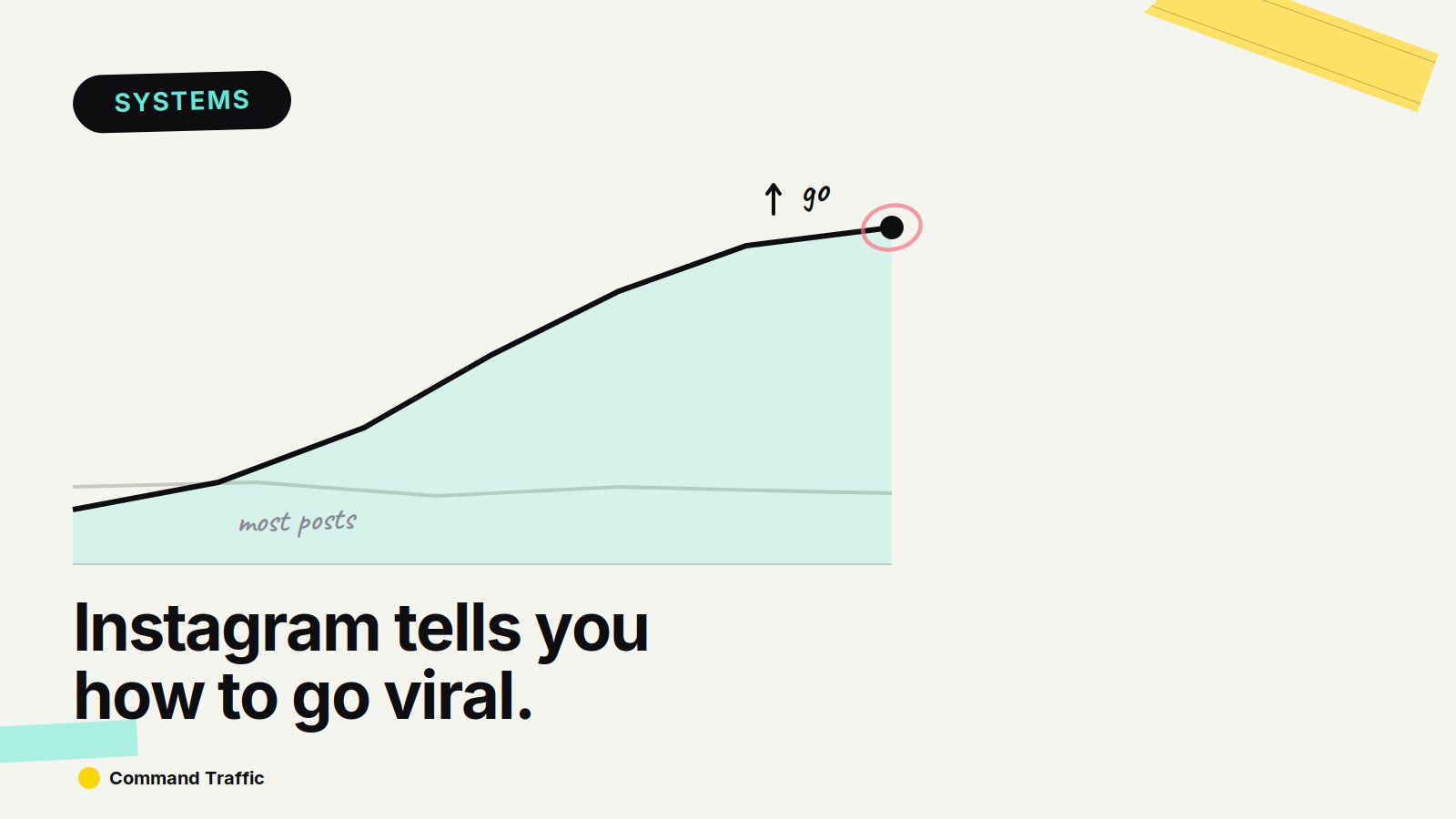
Instagram literally tells you how it ranks your content. Not in a blog post. Not in a course. Inside your reel insights. And if you read it correctly, it tells you exactly what to fix to get more reach.
The Hierarchy That Actually Works
After you post a reel, check insights. You’ll see skip rate, shares, likes, saves, reposts, comments. That’s not random. That’s priority. If your content isn’t performing, it’s usually failing at the top of this list.
So instead of “make better content,” you fix each layer from top to bottom.
Layer 1: Skip Rate
If people scroll past your video, nothing else matters. You don’t get shares, likes, or distribution. Your entire job is making people not scroll.
What actually works: “Nobody knows this but...” or “Most people are doing this wrong...” or pattern interrupts — unexpected visuals, movement, cuts. You’re not trying to explain. You’re trying to interrupt behavior.
Layer 2: Shares
Shares push content beyond your audience. This is where a good post becomes a viral post. Two ways to trigger shares.
Direct ask: “Send this to someone who needs it” or “You need to share this with your team.” Simple. It works.
“Have you seen this?” content: New tools, new strategies, hidden features, industry shifts. People share things that make them look early. That’s the psychology driving reposts.
Layer 3: Likes
Likes are lightweight but they still signal enjoyment. Add a one-liner that hits, say something slightly controversial, make people laugh, or say something painfully true.
You’re not teaching here. You’re triggering a reaction.
Layer 4: Saves
Saves mean “I’m coming back to this later.” This is one of the strongest signals because it shows intent. What gets saved: step-by-step breakdowns, tool lists, strategies, frameworks. If someone thinks “I should try this,” they save it. That’s the goal.
Layer 5: Reposts
Good content gets reposted. You don’t optimize for this directly, but you increase it by making clean, simple visuals and avoiding clutter. If someone can repost it without explaining it, it spreads easier.
Layer 6: Comments
Comments are last. Not because they don’t matter, but because they’re easy to fake. That’s why they’re lowest priority. Still, use them strategically: “Comment ‘X’ and I’ll send you Y” or ask direct questions. This is where you drive DMs and build interaction loops. But don’t rely on comments to carry your content.
The Engineering Framework
Most people post and hope. Instead, think like this:
Turn Data Into Production
Once you understand the ranking system, two things happen.
First: Viktor analyzes what’s actually working. Pull your Instagram insights data into Viktor and have it identify patterns — which hooks reduced skip rate most, which ideas drove the most shares, which formats enabled reposts. Instead of manually reading 50 posts and guessing, Viktor surfaces the real signals in minutes.
Second: LoudAF produces the variations you should be testing. Once you know what works, you need volume. LoudAF generates carousel posts, threads, and remixed angles from one core insight. Instead of manually writing 10 hook variations, LoudAF produces them in minutes.