Cold outreach is hard because you’re always the one chasing. Voicemail drops flip that dynamic. Instead of sending cold emails into the void and hoping someone replies, you drop a voicemail directly into a business owner’s inbox and let them call you back.
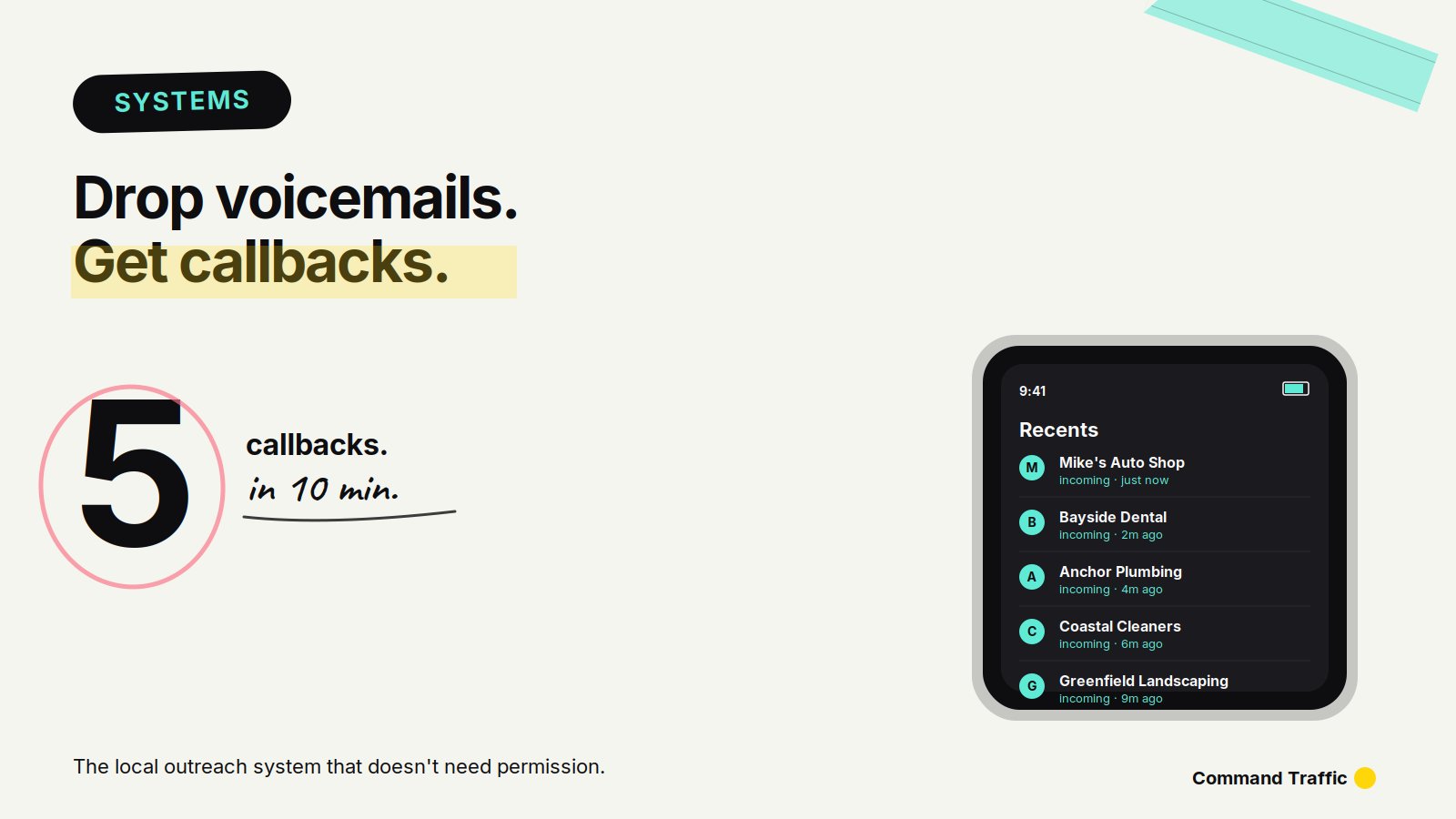
Done right, this VM drop outreach system can generate five real conversations with local business prospects within ten minutes of pressing publish.
Below is the full step-by-step process — the prospecting, the tools, the automation, and the voicemail strategy that actually gets callbacks.
What Is a VM Drop and Why Does It Work?
A voicemail drop (or “ringless voicemail”) is an automated voicemail that lands in a prospect’s inbox without their phone ringing through to a live call. The business owner sees a missed call notification and a new voicemail, exactly the way they would after a real call they missed.
The reason this outperforms cold email for local business outreach is simple: business owners listen to their voicemails. They ignore cold emails by the dozen, but a missed call from a potential customer gets returned almost every time. You’re using the same channel they already trust for real leads.
Step 1: Find Local Business Prospects on Google Maps
The easiest hunting ground for local business contacts is Google Maps. Search the type of business you want to target — HVAC contractors, plumbers, therapists, dentists, roofers, chiropractors, or any local service business with phone numbers attached — and the map fills up with hundreds of qualified prospects in your area.
Step 2: Pull and Enrich the Contact List with LeadBomb
You want clean, enriched data going into your automation — not a half-broken CSV you have to spend an hour fixing.
LeadBomb handles the scraping and the enrichment in one step. You end up with a usable list of business names, phone numbers, and verified contact info ready to plug straight into the workflow. This is the fuel for everything that follows, and the quality of your list determines the quality of your callbacks.
Step 3: Load Your List Into the Automation Engine
Now you need somewhere to run the automation, and this is where most people get stuck. The traditional answer is GoHighLevel, but it’s overbuilt for VM drop campaigns and you’ll spend half a day configuring it before your first voicemail goes out.
BuildWithOS runs on the same automation engine, but the VM drop workflow is essentially pre-built. Upload your CSV into the contacts section and you’re already most of the way there. Plug and play instead of read-the-docs.
Step 4: Build the VM Drop Workflow
Once your contacts are in, you build a simple workflow that fires whenever a new contact gets added to the list.
The trigger is “new contact.” The action is the VM drop. That’s the entire automation. This is the part of BuildWithOS that saves you the most time — what would be a half-day build inside GoHighLevel is a five-minute drag-and-drop here.
Step 5: Record the Voicemail (This Is Where the Strategy Lives)
The voicemail itself is what determines your callback rate. You have two proven approaches depending on what kind of replies you want.
The clean voicemail explains who you are and what you offer in clear terms. This filters for serious callbacks, so the people who do call back are already qualified and ready to talk business.
The cut-off voicemail is a shorter voicemail that sounds like a potential customer trying to reach them. This approach gets dramatically more callbacks because every business owner returns a call from a possible new client — but you’ll burn through more conversations before you find the real prospects.
Record the voicemail on your phone’s voice memo app. There’s no reason to overthink the audio quality, and a more polished recording actually performs worse because it sounds like a sales call. Upload the audio file, attach it to the workflow, and publish.
Step 6: Watch the Callbacks Roll In
The moment you hit publish, the system starts firing voicemails into the businesses on your list. Phones ring once, get marked as missed calls, and the voicemail lands in their inbox.
The reason the system runs this fast is the combination working together: LeadBomb gives you a clean, targeted list to fire into, and BuildWithOS drops the voicemails the moment those contacts hit your CRM. No manual sending, no copy-paste, no lag between intent and execution.
The Full VM Drop Stack
Three tools run the entire system:
Set it up once and you can run a new campaign in under thirty minutes whenever you need pipeline.
Frequently Asked Questions
Are voicemail drops legal? Ringless voicemail rules vary by region and industry. Always check current FCC guidelines and your local regulations before running a campaign, especially when targeting consumers rather than businesses.
How many contacts should I start with? A list of 100–300 well-targeted local businesses is enough to test the system and see callback rates before scaling.
What’s a realistic callback rate? Callback rates depend heavily on niche, voicemail style, and list quality, but a well-targeted campaign with the cut-off voicemail style commonly sees 5–15% callbacks within the first hour.
Can I use this for B2C outreach? This system is built for business-to-business outreach, where you’re calling business numbers. B2C voicemail drops carry significantly more legal risk and are not recommended.
Final Word
Most cold outreach plays make you do the work and hope for a reply. A VM drop campaign makes the prospects come to you. Build it once, refine your voicemail script, and you’ll never run out of qualified conversations.
See more tools →