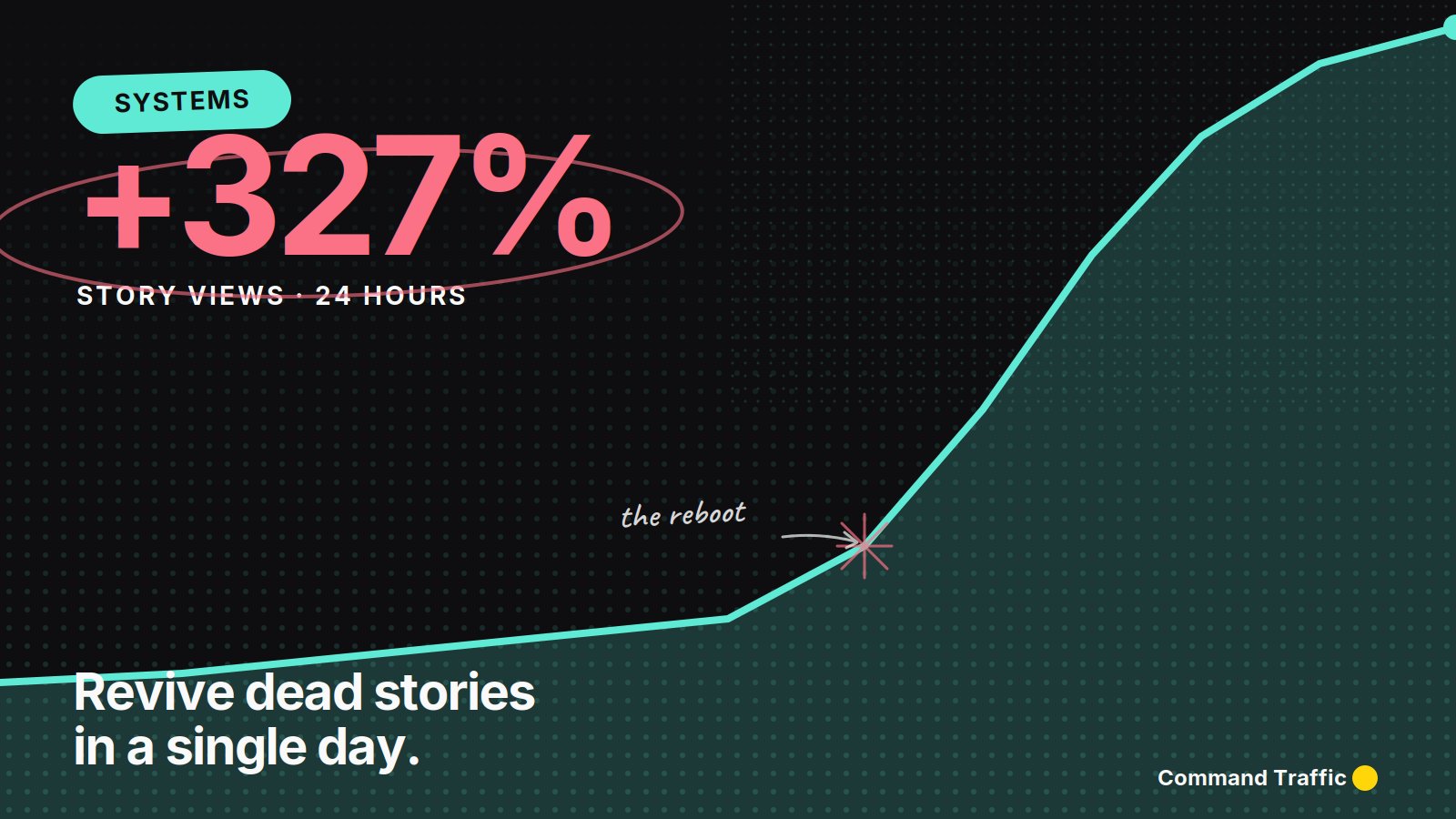
Most people treat Instagram Stories like a digital scratchpad — random clips, behind-the-scenes moments, quick promos. That’s exactly why their story views suck.
Stories are content, ranked the same way Reels and feed posts are ranked. High watch time gets more reach. High engagement gets more reach. More reach means more of your audience sees the red ring next time.
Here’s how to fix it in a day.
Step 1: Borrow Attention With a Viral Clip
The fastest way to revive a dead Story algorithm is to post content that’s already proven to get attention. Viral clips. Animal clips, fails, emotional moments, insane stunts, satisfying loops — the kind of stuff people stop scrolling for.
You can find these inside Instagram itself, on repost pages, in your own saved posts, or on stock libraries built specifically for this kind of footage. MotionStocks is a clean source — luxury, lifestyle, and high-engagement b-roll ready to download and post. Drop one straight to your Story and let it run.
Why this works: viral clips pull big watch time, get shared in DMs, and Instagram doesn’t penalize Stories for reposted content the way it does Reels. You’re borrowing attention to revive your reach — and it works ridiculously well.
Step 2: Watch the Algorithm Wake Up
When your viral Story pops, thousands of people who haven’t opened your stories in weeks suddenly re-engage. Instagram now thinks: “People care about this person’s stories.” Your Story placement gets upgraded, and the next time you post, way more of your audience sees the red ring.
Step 3: Open the Monetization Window
This is where the real play happens. Once attention is back, you have a window to actually convert it.
Method 1: The 24-Hour Promo Drop. Post your viral clip. Wait the full 24 hours. Once it expires, immediately post your CTA, discount, product, link, or DM keyword offer. More views means your promo hits harder than it ever could on dead reach.
Method 2: The Stack. Post your viral clip first, then immediately follow it with your promo. The viral clip pulls thousands of viewers, and many tap forward to your next Story — straight into your offer.
Either way, the link in your bio (or the swipe-up) needs to land somewhere that actually converts. BuildWithOS handles the landing page, checkout, and follow-up sequence from one dashboard. You’re not just driving Story traffic — you’re capturing it.
Build your conversion page with BuildWithOS →Step 4: Keep the Engine Fed
One viral Story revives your reach. A library of them keeps it permanent.
Clipfy is built for this — feed it your clip library and it generates hundreds of unique short-form variations automatically. Combine that with a steady supply of fresh viral content from MotionStocks and you’ve got an ongoing supply of high-engagement Story material without ever filming yourself.
Treat Stories like content. Use proven viral clips to reboot your reach. Stack promos behind the engagement spike. And let the link in your bio do the closing.
See more tools →